Photo bingo for any phone: pick three, take three
Pick a row, column or diagonal. Find your own versions. Take three photos.
Play the photo bingo board
Pick one row, column or diagonal. Look for ordinary subjects you can photograph where you are.
- Reflection
- Colour
- Window light
- Tiny detail
- A path
- Movement
- Shadow
- Repeats
- Quiet space
Find a theme for one marked idea
You can enter one original photo even if you only tried one square. Marks stay on this page and clear when you reload. Photos stay in your camera roll until you choose a file on Beat AI. Sign in to enter. Entered photos, nicknames and scores are public.
Pick your line. Circle a row, column or diagonal. Tick each square when you have a photo.
Choose one photo to enter. If your original fits an open brief, scan the code or go to beatai.co.uk/photo-challenges. Sign in to enter. Photos, nicknames and scores are public.
See the original picture card
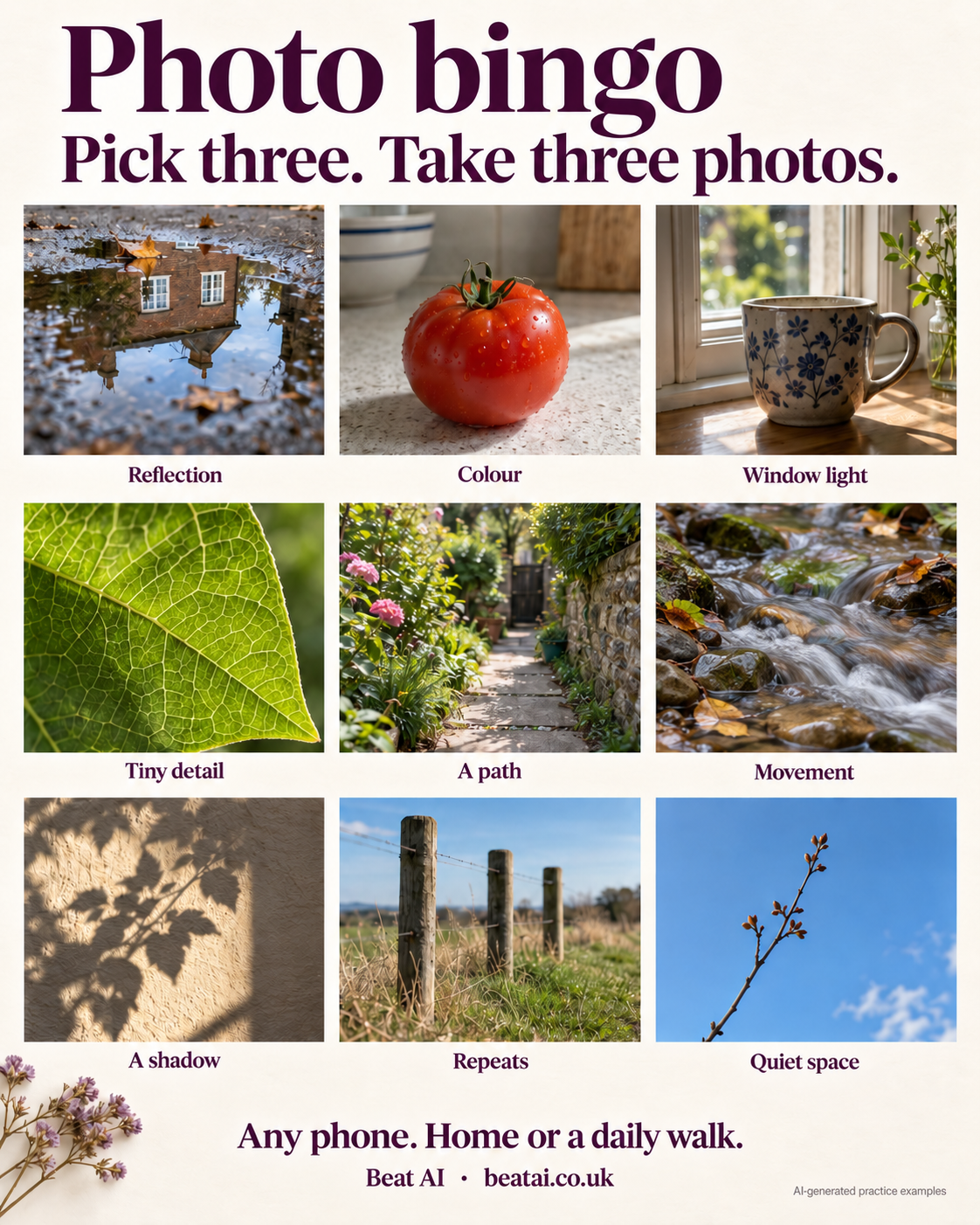
Your turn
- Choose a line. Start with subjects you can find at home or on your usual walk.
- Take one photo for each. Any phone works. Skip an idea that does not fit your surroundings.
- Compare your three photos. Which one catches your eye first?
Open the full-size photo bingo card
Choose an open theme for one of your bingo photos.
If one original photo you took fits the current brief, you can enter it. Sign in to enter. Entered photos, nicknames and scores are public. Blind voting needs no sign-in when an eligible matchup is available. The bingo exercise is separate from the live theme.


Comments
Post a Comment