Choose between two photos for a Beat AI challenge
BEAT AI · FIRST PHOTO PRACTICE
Which photo should I enter?
Use a photo you already took if it fits an open theme. If you’ve chosen your photo, go straight to entry.
If you compare, you can pick up to two files. They stay in this browser and are cleared when you leave. Sign in on Beat AI to enter. Entered photos, nicknames and scores are public.
Read the theme
Need a starting point?
Read the new brief before entering. If your photo fits, you can use an original you already took.
Choose a live theme on Beat AI →
Open this challenge on your phone
Scan the code with your phone camera to open the same challenge. The link carries only the challenge, so pick the photo from your phone’s library or transfer it there first.
Free beta. Sign in to enter. Entered photos, nicknames and scores are public.
Compare your photos privately
Pick photos you took yourself. Start with one and add a second if you’re deciding between them. These files stay in this browser.
See a real photo comparison
Here’s one photo by Beat AI creator DomHill, shown as the original frame and a tighter digital crop. Look at the space around the blue circle. Which version gives you the right amount of context?
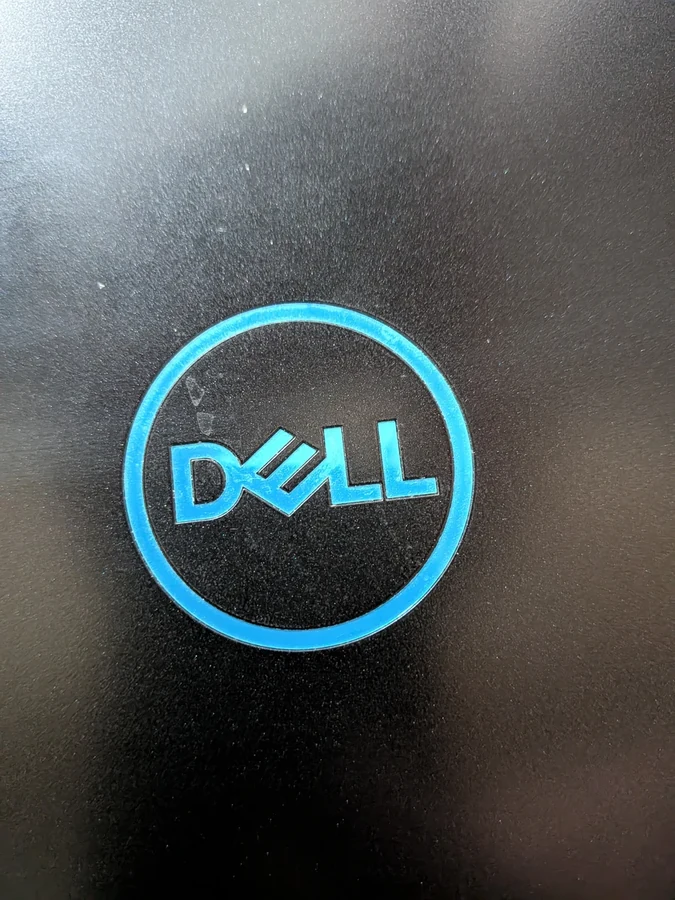
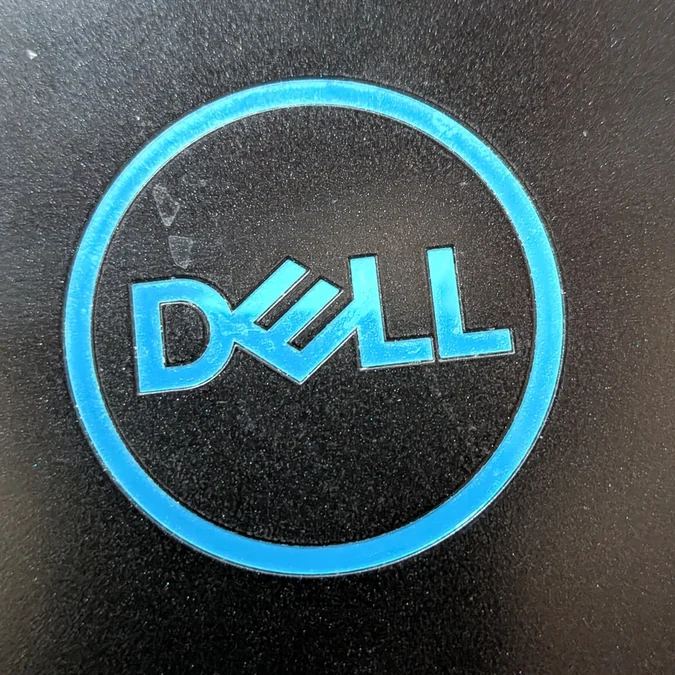
The original was entered for Round things on 10 October 2026. This comparison is for practice. Choose a current theme for a photo you took. Read the original photo tip.
No photo selected.
No photo selected.
JPEG or PNG up to 40 MB, or still WebP up to 25 MB. If the photo you choose needs a smaller JPEG, make a copy here. Have an HEIC or HEIF photo? See how to export a JPEG copy on your device.
Choose one to share
- Which photo shows the brief more clearly?
- Which frame gives the main subject the clearest place to look?
- Are you happy for this photo to be public? Check edges, screens and reflections for private details.
See a quick public-photo check
Look past the subject. This drawing shows three places where private details can slip into an everyday photo.
- Edges. A label or envelope can still be readable after you upload. Move it out of the frame or choose a different photo.
- Reflections. Check what glass, mirrors and shiny objects show. Shift the camera and look again.
- Background. Look for addresses, documents and people. Share a frame only when you are happy for those visible details to be public and have permission where needed.
Zoom in with your gallery before entering. You can keep either of your comparison photos private.
You can keep both photos private.
A separate JPEG copy preserves the frame. Transparent areas become white.
Choose a live theme on Beat AI →
In the entry form, choose your original again if it’s a JPEG or PNG up to 25 MB. If you needed a copy above, download it before leaving and select the downloaded JPEG in the entry form. Follow the photo rules and complete the sign-in steps shown.


Comments
Post a Comment