Start here: easy photo ideas for any phone
Pick one idea. Take one photo.
Easy ideas for your phone, at home or on a walk. No experience needed. Published by Beat AI.
Ready to enter your first photo?
Use a matching original from your camera roll, or take one with any phone or camera.
Free beta · Sign in to enter · Entered photos, nicknames and scores are public. Check the current entry rules.
Help choosing a photo, checking a file or entering
Need a photo to start from? Find an original in your camera roll using iPhone Photos, Google Photos or your usual gallery.
Deciding between two originals? Compare your photos privately, then choose an open theme when you’re ready to enter.
Taking a photo now? Get one open theme and a quick photo idea.
Want to see the upload steps first? Practise with a sample illustration. No account or photo needed. When you’re ready, the rehearsal links to the same open theme.
Unsure about the file? Check the photo file on your device before you sign in.
Need help? Read the first-photo guide →
Watch the current 68-second entry and tip guide →
See what is public when you enter.
After checks and judging, find an available subjective tip in You → Your photos → Try this next. Checks may be delayed.
What can you learn from an entry? See creator DomHill’s genuine circle photograph and its actual subjective tip: “Move closer and frame the blue circle with less empty laptop surface around it.” See the original, tip and labelled digital crop → The crop is a practice illustration, not a retaken photograph or a promised higher score. Community votes are separate from AI judging.
Turn one of your photos into a guessing game
Crop a curious detail, pass the phone, then reveal the whole picture after 7.5 seconds. The free tool processes your selected photo on your device, without uploading it.
No account needed for practice. You can also save clue and reveal images. This tool does not enter a photograph into Beat AI.
Play a ready-made game first. Which square is closer? · Which pour feels stronger? · Which frame is closer to the floor? Each game includes a photo exercise you can try.
Your photo. One idea to try next.
Free beta · Sign in to enter · Photos, nicknames and scores public. Check the current entry rules and parent availability information.
Pass the phone. Guess the object.
Choose a detail photo and a wider view of the same object. Give a friend 7, 7.5 or 8 seconds before the reveal.
Play the free seven-second photo game →
No signup needed for this practice. Selected pictures stay in this browser; the game does not enter them in a challenge. Prefer paper? The page also has a free printable and fillable four-round game.
Can you guess the everyday object?
One tiny detail. One familiar object. Guess first, then watch the reveal.
Make your own: take one close-up and one wider photo of the same object. Ask a friend to guess from the detail before showing the whole picture.
Read the four-step puzzle exercise →
Get the free fillable photo-puzzle worksheet → One page to type into or print; five private note boxes. No email signup.
Earlier puzzle films use generated teaching illustrations. New examples also use genuine photographs by Beat AI’s creator, DomHill; their social captions identify the source. New guessing films hold the clue for seven seconds, then smoothly zoom out. Older films keep their original timing. The films use American narration and original music. Your private practice photos do not need to be uploaded.
New short exercises
- Photograph something handmade. Compare front light and side light on a stitch, brush mark or raised edge. Choose one original photo if it fits an open theme.
- One cupboard door, two frames. Try a five-minute symmetry exercise, then choose an original photo for a matching theme.
- One odd detail: match three close-ups to two photos. Play with two genuine creator photos, then choose an open theme for an original of your own.
- Can a photo feel quiet? Try a familiar corner, take a wider and a closer frame, then choose one original photograph for a matching open theme. Practice can stay private.
- Compare two of your photographs: see Photo A and Photo B at the same display size, notice the background and edges, then save a private text note. Selected images stay in your browser; no upload, account or judging. The page also has three composition questions with illustrated answers. Prefer paper? Download the free one-page comparison worksheet (86 KB), with five fillable note boxes. Download a copy to type into and save, or print it and write by hand.
- One room, three textures: find woven, ridged and speckled details, then let a friend guess from one of your own photographs. Free printable and fillable worksheet, with seven note fields; no signup needed. Or download the free 6 MB texture practice pack with two captioned guessing films, American narration, quiet original music and the worksheet. Extract the ZIP and open its Start here page.
- Round things: five phone-photo ideas: look for texture, reflection, shadow or repeated circles. Includes a short guessing game and an at-home practice exercise.
- One fork, two photos: make the shadow your subject. Includes a 14-second narrated lesson and a free fillable practice sheet. Try the lamp-and-paper exercise if you’re shooting indoors.
- One mug, two photos: try changing the direction of window light. Includes a 25-second narrated lesson.
- A fogged window, two focus choices. Compare sharp droplets with a sharper view beyond the glass. Try both from the same spot.
- One piece of fruit, two angles of light: compare how the skin and shadow look with a phone.
- Starting with a product photo? Try one object beside a window, then add a white card and compare the shadows. Includes a setup diagram; no special camera needed.
- Blurry phone close-ups? Compare two distances using a leaf.
- Walk the same path most days? From one safe spot, take a phone photo in each direction. Compare where the lines and light lead your eye, then choose an open theme if one frame fits.
- Backlit leaves looking flat? Take an automatic photo and a slightly darker one; compare the saved pictures, then optionally enter one original photo for a matching open theme.
- Moon a white blob? Try exposure, steady support and twilight; understand your phone’s limits.
- Repeating shapes: a five-minute phone exercise: try buttons, tiles or stacked objects; compare a pattern with one interruption, then optionally enter one original photo for a matching open theme.
- Ready to enter? Watch the current app walkthrough and check the entry rules.
Prefer watching? Start with the easy phone-photo playlist. Practice is welcome without uploading.
Keep a short practice note
Open the free browser photography journal → Take two views of an everyday subject and keep one observation. Start with any session. Notes stay locally in this browser when storage is available; download a notes file for backup. No ZIP, email or account needed for practice. Sharing a photo on Beat AI is optional and follows the entry rules above.
Download the free two-photo starter kit →
The 15 MB ZIP includes a three-minute guided practice track, an English transcript and three worksheets. The track uses a digital American voice and quiet original music. Listen, take two photos, then choose the frame you prefer.
Play the three-minute guided practice → Listen in the public audio player, or download the 4.1 MB MP3. No ZIP extraction needed.
Choose one free one-page sheet. Type into its note boxes or print it. Make the comparison using your own two photographs.
- Shadow practice sheet: wider frame, closer view, then your choice.
- Check the edges practice sheet: notice an edge, shift your camera and compare.
- Window-light practice sheet: change where the light falls on a mug.
The pictures on these sheets are AI-generated teaching illustrations. Practise privately if you prefer. Challenge entries must be your own photographs and follow an open theme.

Got a mug? →
A tiny challenge for your tea break.
Your phone is enough →
Three easy ideas. No experience needed.
Take a photo walk →
Notice a puddle, shadow or doorway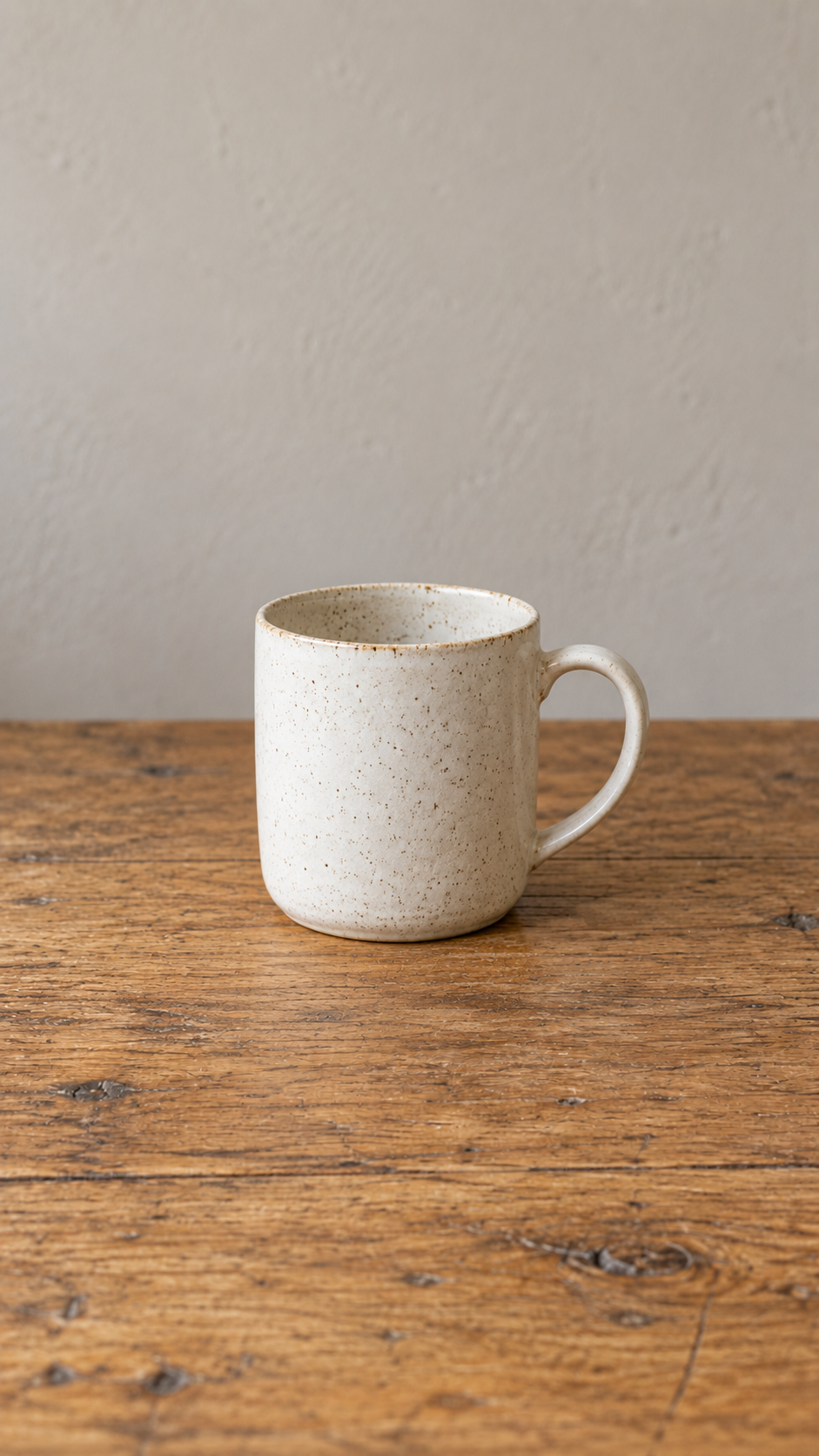
One mug, three moods →
Try window light at home
Look for texture →
A cloth, leaf or orange
Find a curve →
Try a cup handle or curled leaf
Find a frame →
A doorway or garden gate
Follow the shadow →
Try a plant shadow on a wallThe pictures are AI-generated teaching illustrations. Make your own photographs for practice; these are not participant entries.
Take the daily photo challenge →
Sign in to enter your own original, non-AI photo. Entered photos, nicknames and scores are public. Review the current age and upload rules and parent availability information. Browse without an account. You can also vote without signing in when a matchup is available. Check the dated theme and deadline.
More exercises & free downloads
- Background practice and private two-photo comparison — 2.4 MB ZIP. Includes an 11-second lesson, English captions and a written transcript. Extract the whole ZIP and open Start here - Private two photo comparison.html; keep its files together. Compare two of your own photographs locally and save one plain-text note. The lesson is a Veo-generated teaching illustration with an American voice and original music.
- Five-minute photo walk
- Movement near home
- Weekend video and practice pack — 36 MB ZIP
- Texture at home
- Find a curve
- Natural framing
- Follow one colour
- One-colour worksheet — two-page PDF
- Shadow photography
- Choose your best photo
- Photo-selection video — 2:36
- Three composition questions
- Photography video playlist
- One mug, three moods — photographic film
- Readable lesson collection
- Complete public resource folder
- Check the whole photo
- Silhouette photography
- Window-light guide
- Window-light carousel on Instagram
- Slower window-light lesson
- 30-minute club session
- Six club activities
- Five-minute club round with a shared entry QR code
- Window-light worksheet — two-page PDF
- Twelve photo prompts
- How the daily challenge works
- Beat AI homepage
No email signup for downloads. Extract the complete ZIP before opening its Start here HTML guide. Phone and desktop lessons include English captions; pause whenever you want.
The resource folder includes the photo-choice worksheet, club session kit, six activity cards, readable lessons and seven-session private journal. Download a copy of any notes you want to keep; local browser saving varies.
The readable collection uses teaching diagrams and synthetic narration. The photographic films use generated stills; American narration is used for the curve and texture lessons. These practice resources are separate from dated competition entries.


Comments
Post a Comment